

Adobe Illustrator can create multi-page PDFs using multiple artboards. If you need to rearrange the order of the pages, here’s how.
Artboards are like the canvas in Adobe Photoshop.
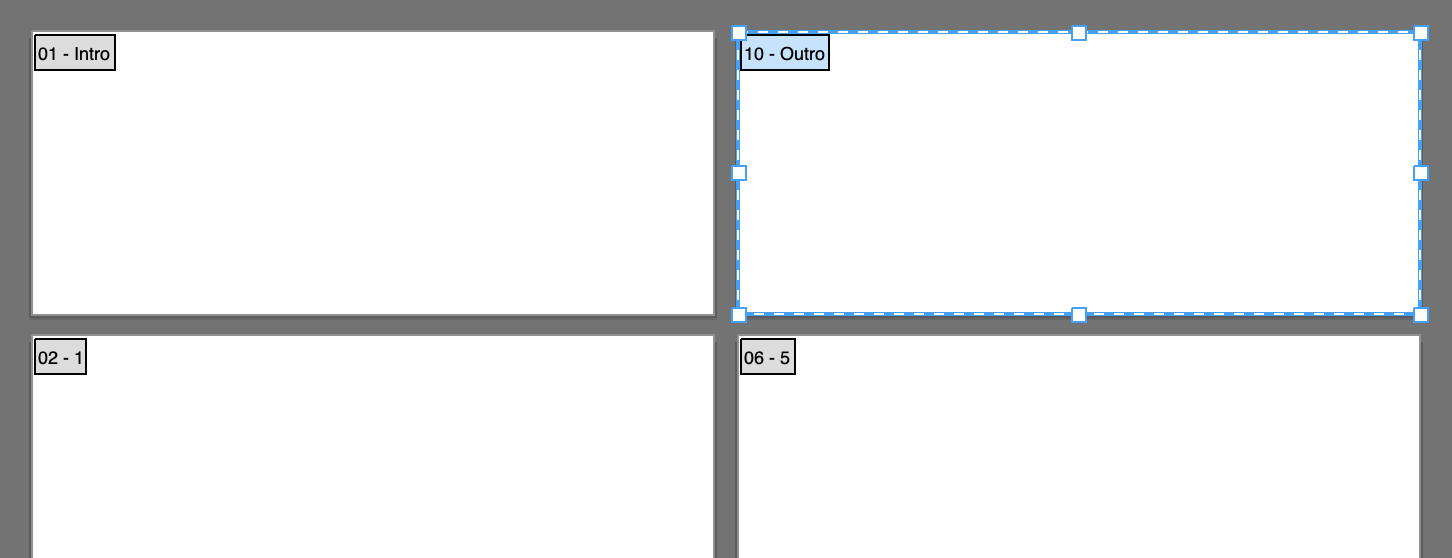
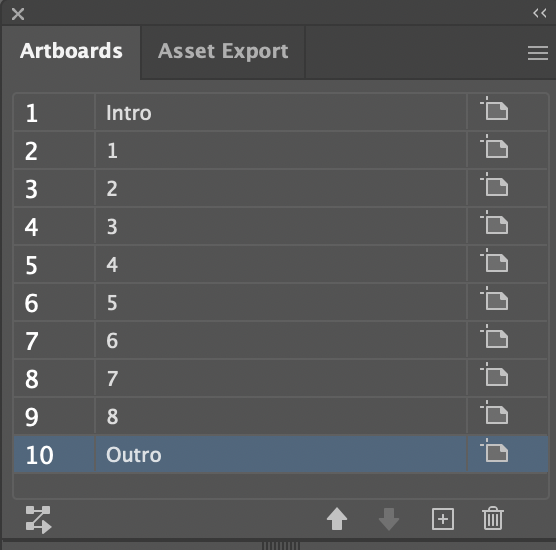
The two-digit number on the left of each artboard is the order of the content in the PDF. To change the order of artboards, open the Artboards panel and drag the items as you want.
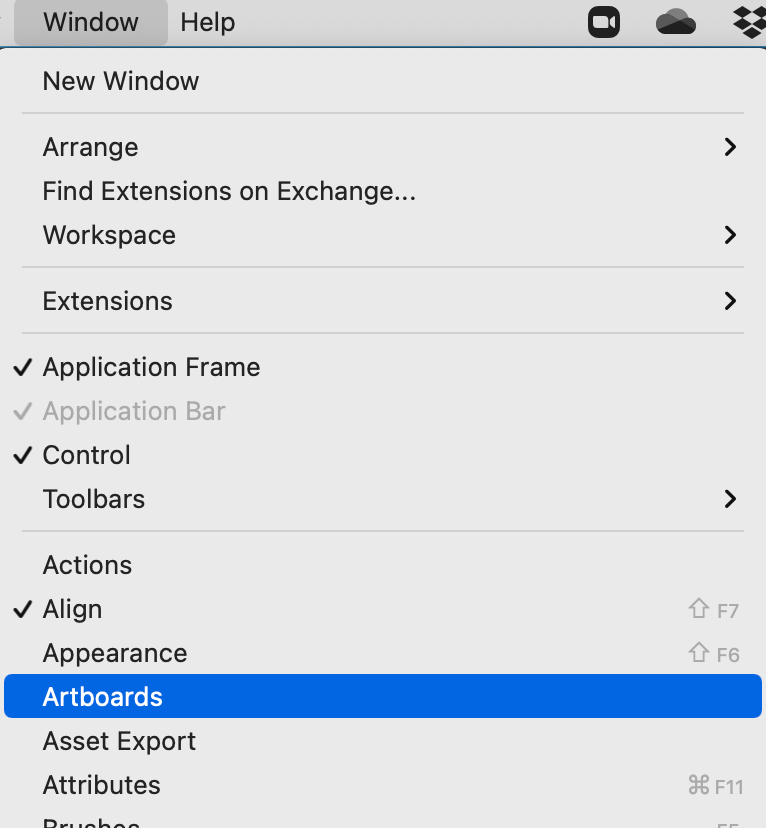
1 Open -> Window (on the top menu bar) -> choose Artboards
2 Change the Order of Artboards by Dragging the Layers
Then just save your document as a PDF.