

Images can be cropped with a couple of CSS lines without using Photoshop or any image editing tools. This is useful when the heights of thumbnail images in a multi-column layout differ, like below.
BEFORE
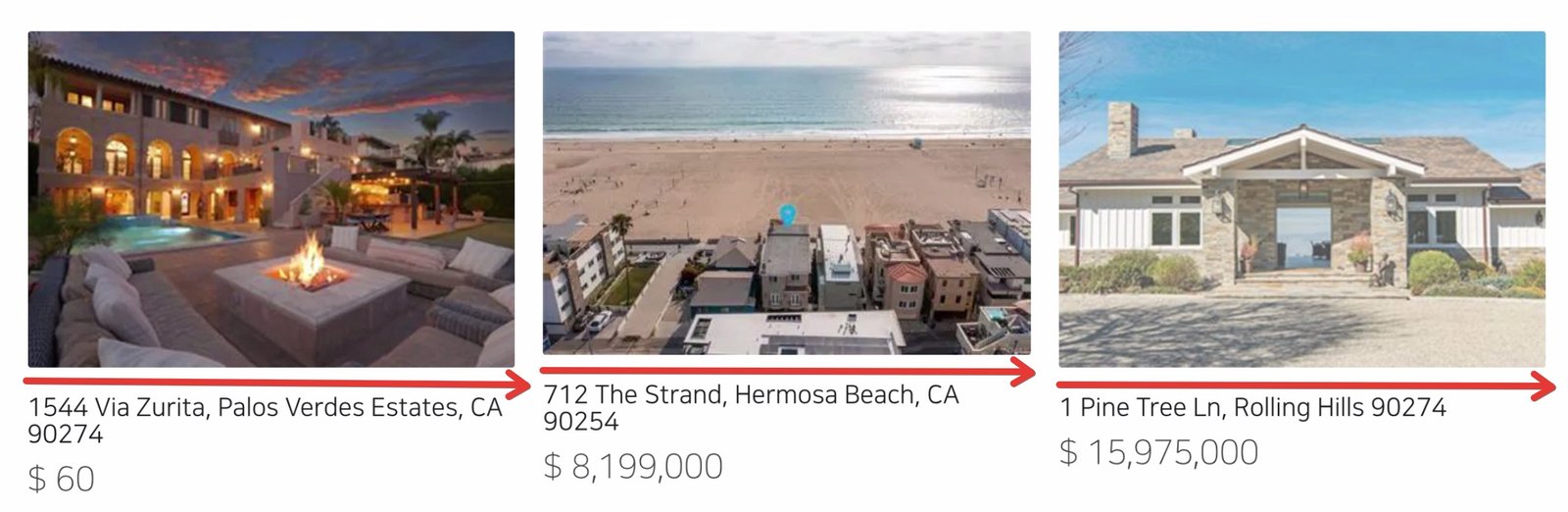
The uneven heights of the thumbnails can easily break the overall layout.
CSS
Copy the code below and paste it into your CSS document.
img {
    height: 200px;
    object-fit: cover;
}
Try object-position: 10% 10%; if you want to move the position of the image within its area.
AFTER
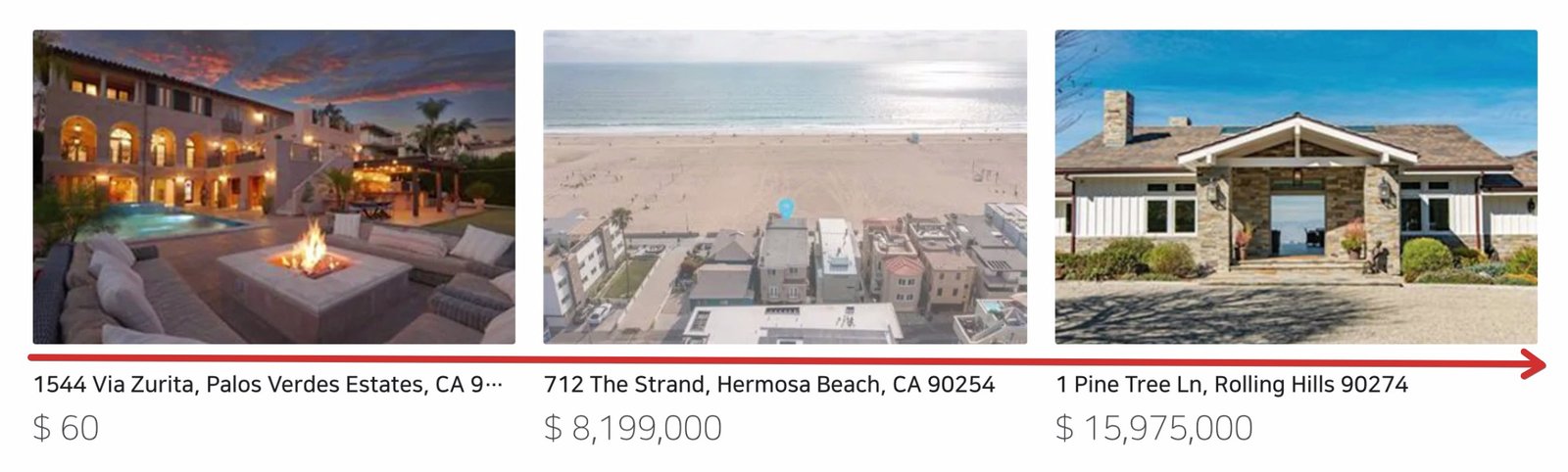
All 20–30 of your thumbnails will fit perfectly, and your layout won’t look wonky again. This method can be used on any single image on your webpage.