
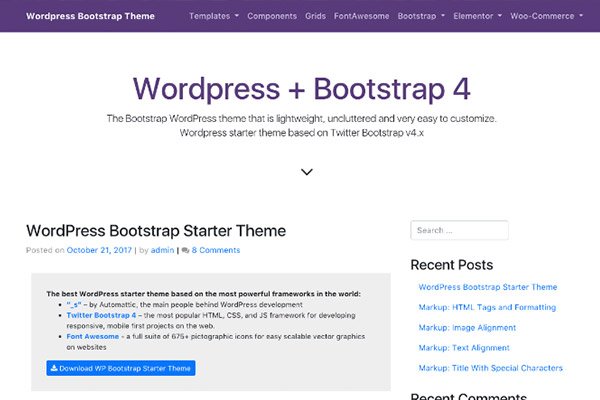
WP Bootstrap Starter is one of the popular free themes you can get for WordPress. It’s nice and lightweight, with the Bootstrap 4 framework built in, so it’s ready to use just by having the theme itself.
You can pretty much edit the entire website, including the header and footer, except for removing the copyright text at the very bottom of the page that says “Bootstrap WordPress Theme”.

Here’s a way to make it disappear by adding a CSS line. Let me show you how in a minute!
Remove the “Bootstrap WordPress Theme” text on the footer
- Go to the WordPress admin → Appearance → Customize → Additional CSS.
- Copy the CSS code below and paste it into the CSS window.
- Save!
footer .sep, footer .credits {
    display:none;
}